

Buyers in Ghana have learned to be careful online. Before they call, pay or travel to see an item, most want one question answered: is this seller real? On FeelyFeely, verification answers it for them. This guide explains the two kinds of verification, how to complete them and what buyers see once you are done.
Two kinds of verification
- Identity verification proves that you are who you say you are. It is tied to your account, so it covers everything you sell.
- Listing verification proves that a specific item is genuine and yours to sell, using documents such as a land title for a plot or DVLA papers for a car.
You can do both, and serious sellers usually do.
Step 1: Confirm your email or phone
Identity verification only opens once your account’s email address or phone number is confirmed. If you have not done this yet, you will be prompted when you visit your account page.
Step 2: Verify your identity with your Ghana Card
Go to your account verification page and choose Verify with Ghana Card. You will need:
- Your Ghana Card number.
- A live selfie, taken in the moment. Photos from your gallery are not accepted.
- A few minutes in a private place with good lighting.
Your selfie is checked against your Ghana Card record with the National Identification Authority (NIA). FeelyFeely does not keep your card number or your photo in readable form; we store only what is needed to confirm the check was done.
A few tips that save time: face the light rather than having it behind you, remove hats and sunglasses, and hold the phone at eye level.
Step 3: Verify your listings
When you post a property, vehicle, phone or general item, the last step of the listing form is verification. There is a single upload box: drop in all your documents at once, as photos or PDFs, and choose a document type for each one. The form shows which documents are needed for the verified badge and which are optional.
What you are asked for depends on the item. For example:
- Land and property: a land title or stamped indenture, a recent Lands Commission search report, a site plan or building permit.
- Agents and representatives: proof that you are allowed to sell on the owner’s behalf, such as an agency licence, a mandate or a power of attorney.
- Vehicles: DVLA registration, roadworthy certificate, a photo of the VIN and insurance.
What buyers see
Once you are verified, a blue check appears next to your name on your profile, and your listings carry a Verified seller chip. Listings with approved documents also show a Verified listing shield. Buyers see these on search results and listing pages, before they ever message you, and verified listings stand out in a crowded category.
Common questions
Do I need to verify to post? No. You can list without verifying, but verified sellers earn trust faster and get more serious enquiries.
Can a business be verified? Yes. Registered businesses show as verified organisations.
Something went wrong with my check. Contact our support team and we will help you finish.
Ready? Create your account if you have not already, then head to verification.
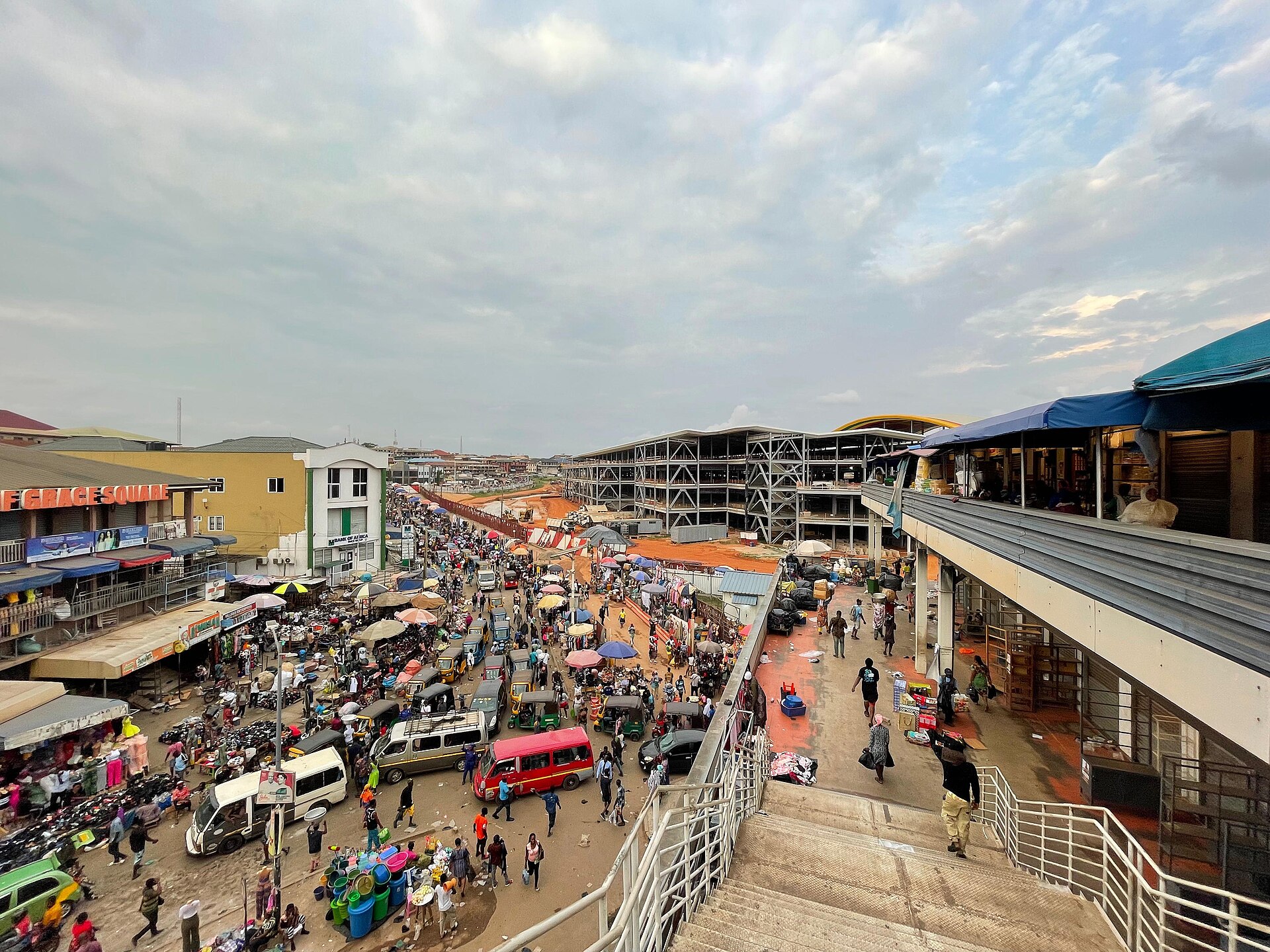
Photo: Afus199620 (CC0), via Wikimedia Commons


One Comment