

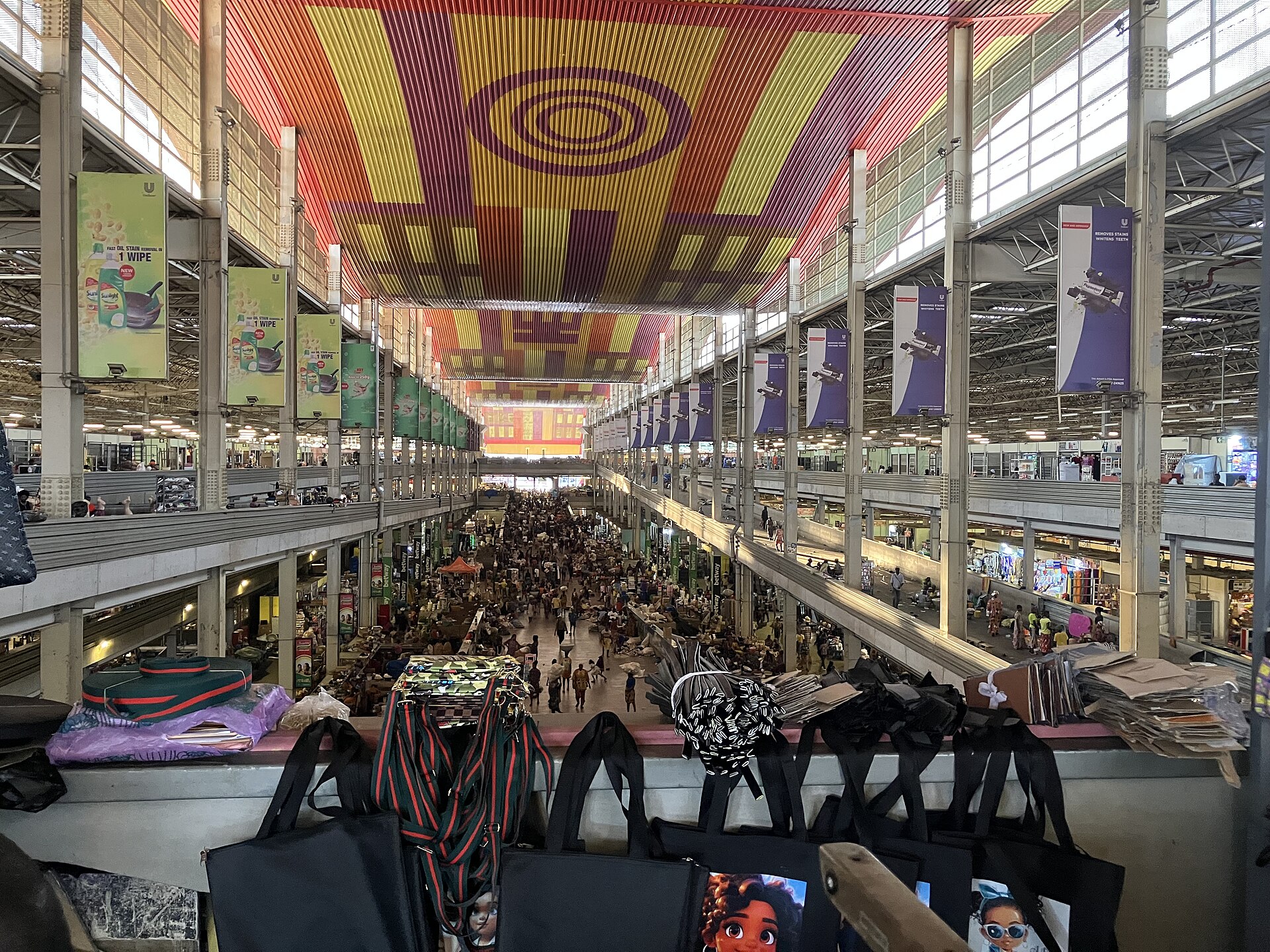
On 5 October, FeelyFeely opened its public preview at feelyfeely.com. This first phase is for the people who make the marketplace work: businesses, merchants and individual sellers across Ghana. If you sell phones in Circle, rent out apartments in East Legon, run a car dealership on the Spintex Road or a restaurant in Kumasi, the preview is your chance to set up shop before buyers arrive in numbers.
Why we are starting with sellers
A marketplace is only as good as what is on it. Buyers come back when they find real items, honest prices and sellers they can reach. So before we open the doors wide, we are asking sellers to do three things: create an account, get verified and start listing. We are listening closely to what they need along the way.
What you can do in the preview
- List for free. Post items in Market, properties for sale or rent in Homes, vehicles in Cars, and your business in Locals.
- Stores, in early access. Selected sellers can open a storefront for their business, with stock, pickup and delivery handled per branch if they have more than one location. If you run a shop with a large catalogue or several branches, ask us for early access.
- Get verified. Verification adds a badge to your profile so buyers know they are dealing with a real person or registered business.
- Price with confidence. Our price check compares your asking price with similar listings for phones and electronics, cars, and homes for sale or rent, so you can see whether you are pricing too high or too low.
- Reach more buyers. Promote listings in highlighted spots across the site, and use Market Insights to compare your business with others nearby.
What “preview” means
Some features are still being finished, and you will see improvements land every week. If something does not work the way you expect, tell us: seller feedback during the preview decides what we build next.
Get started in three steps
- Create your account. Sign up for free with your name, email, phone number and a password.
- Get verified. Complete verification from your profile so buyers see your badge on every listing from day one.
- Start listing. Open your business dashboard and post your first listing.
Questions, want help onboarding a large catalogue, or interested in early access to stores? Contact our support team and we will walk you through it.
Photo: Afus199620 (CC0), via Wikimedia Commons